KVNW Media came from a gap I kept running into: the tools that store media are not built to present it well, and the tools that present it rarely do a good job of holding the work itself. Dropbox, OneDrive, and similar products are fine for storage, but they get expensive quickly, give you little control over presentation, and rarely feel like a real home for creative output.
I wanted something better. A system that could organize media into collections, share it selectively, and present it with some actual care. Not a generic drive with links on top, and not a portfolio that only knows how to be fully public. More like a private digital gallery with solid controls underneath.
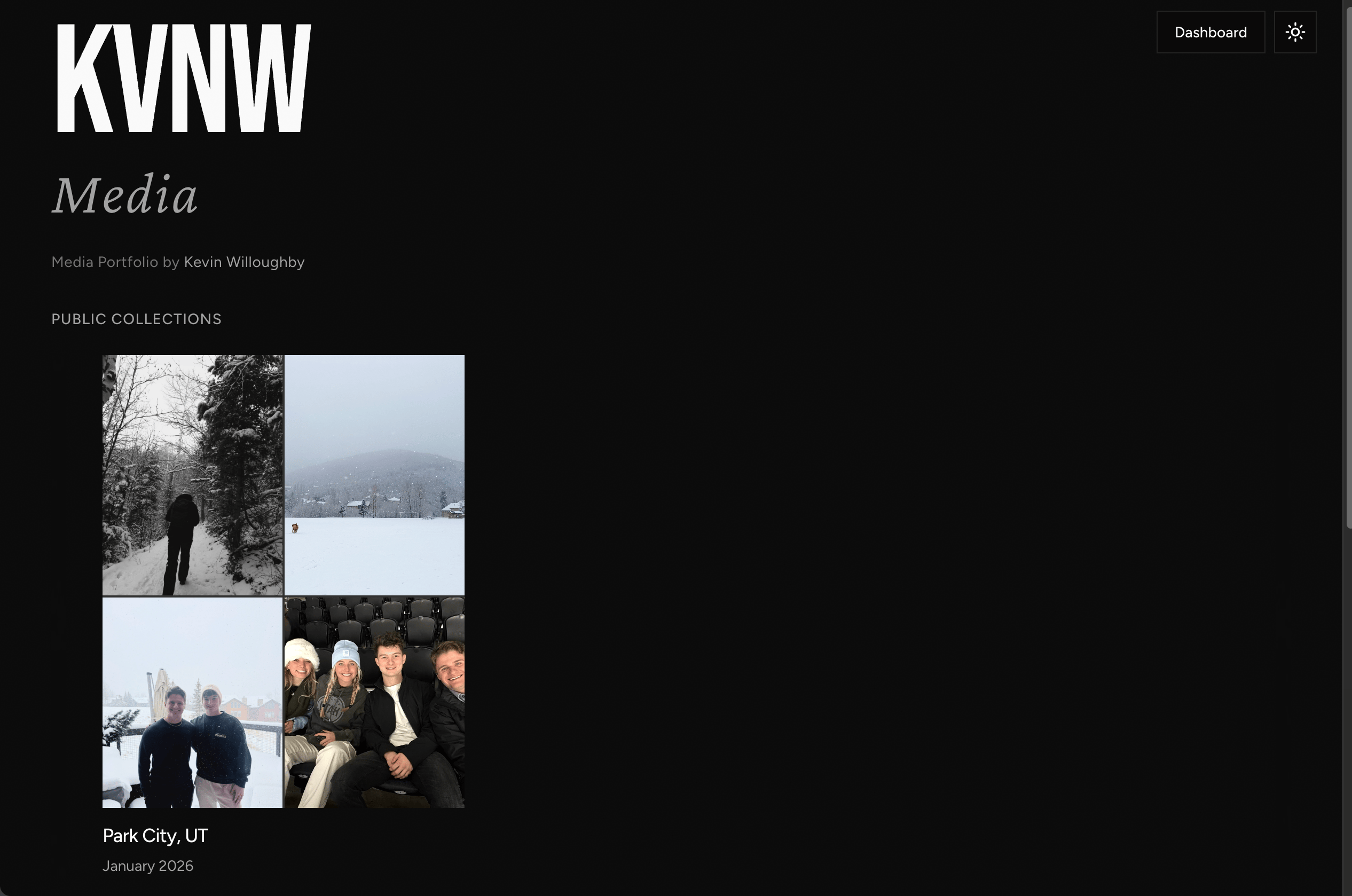
Closer to a gallery than a drive
The main idea was straightforward: creative work deserves a better container. I wanted something that could hold collections, sequencing, permissions, and presentation without making everything feel administrative. That pushed the project away from media-library thinking and closer to a gallery, where structure is there when you need it but stays mostly out of sight.
It also meant rethinking the cost model. I did not want to pay platform markup for a few gigabytes and then still get a mediocre presentation layer. Using Cloudflare R2 made the economics much cleaner.
Creative work should not have to choose between being well presented and well controlled.
Two surfaces, one system
The project naturally split into two products under one domain. The public side is about presentation: collections, sequencing, media playback, and a faster cleaner experience for viewing the work. The private side is where the operational tools live: uploads, collection management, permissions, invitations, and engagement review.
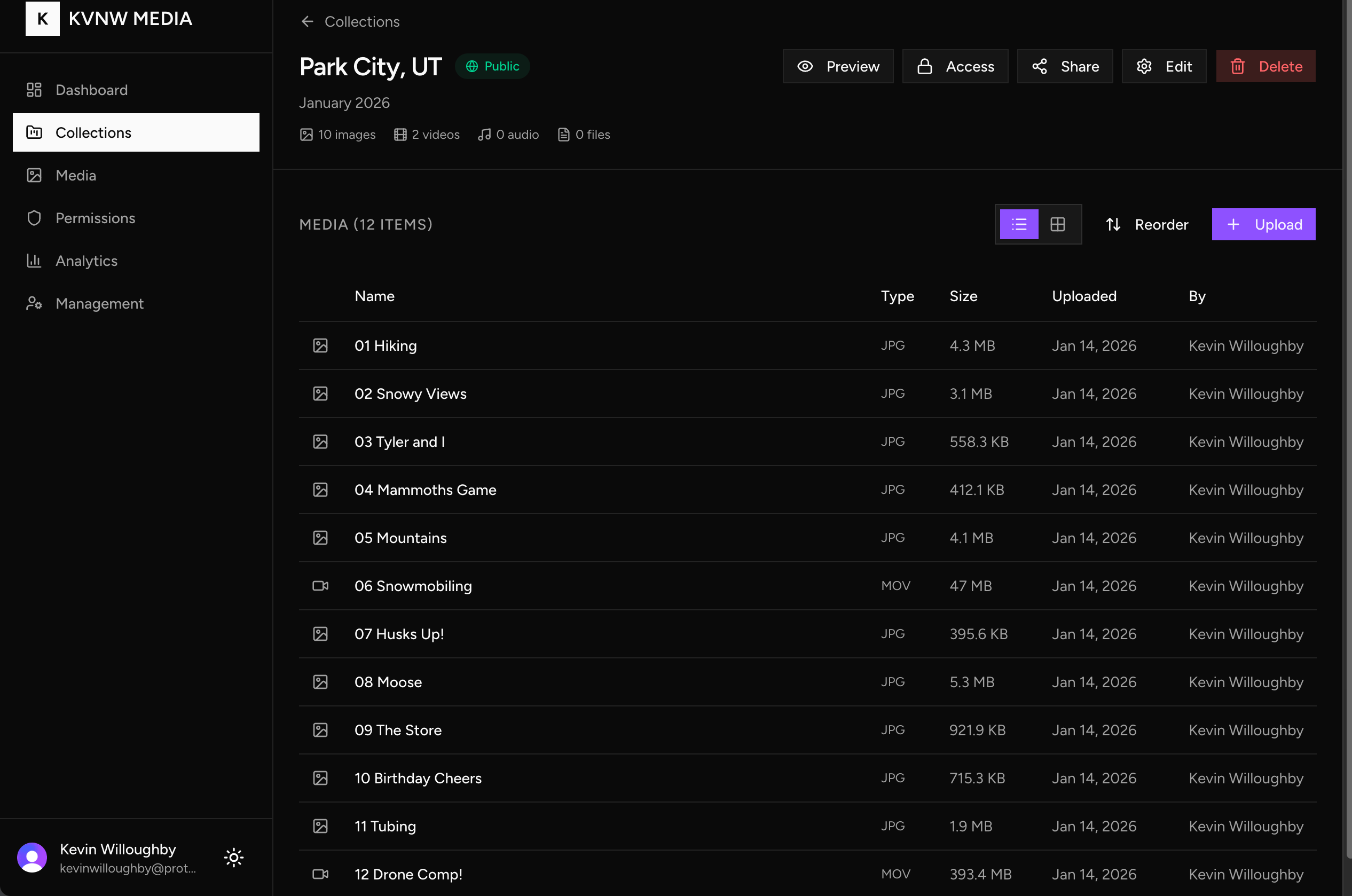
That separation helped. Trying to make one interface do both jobs would have dragged each side in the wrong direction. Presentation wants restraint. Management wants visibility and control.
Built for presentation
A lot of media tools treat presentation like a thin layer on top of storage. KVNW Media starts from the opposite assumption. The sequencing of a collection, the spacing around a frame, the way a shared link opens, and the speed of the page all change how the work lands.
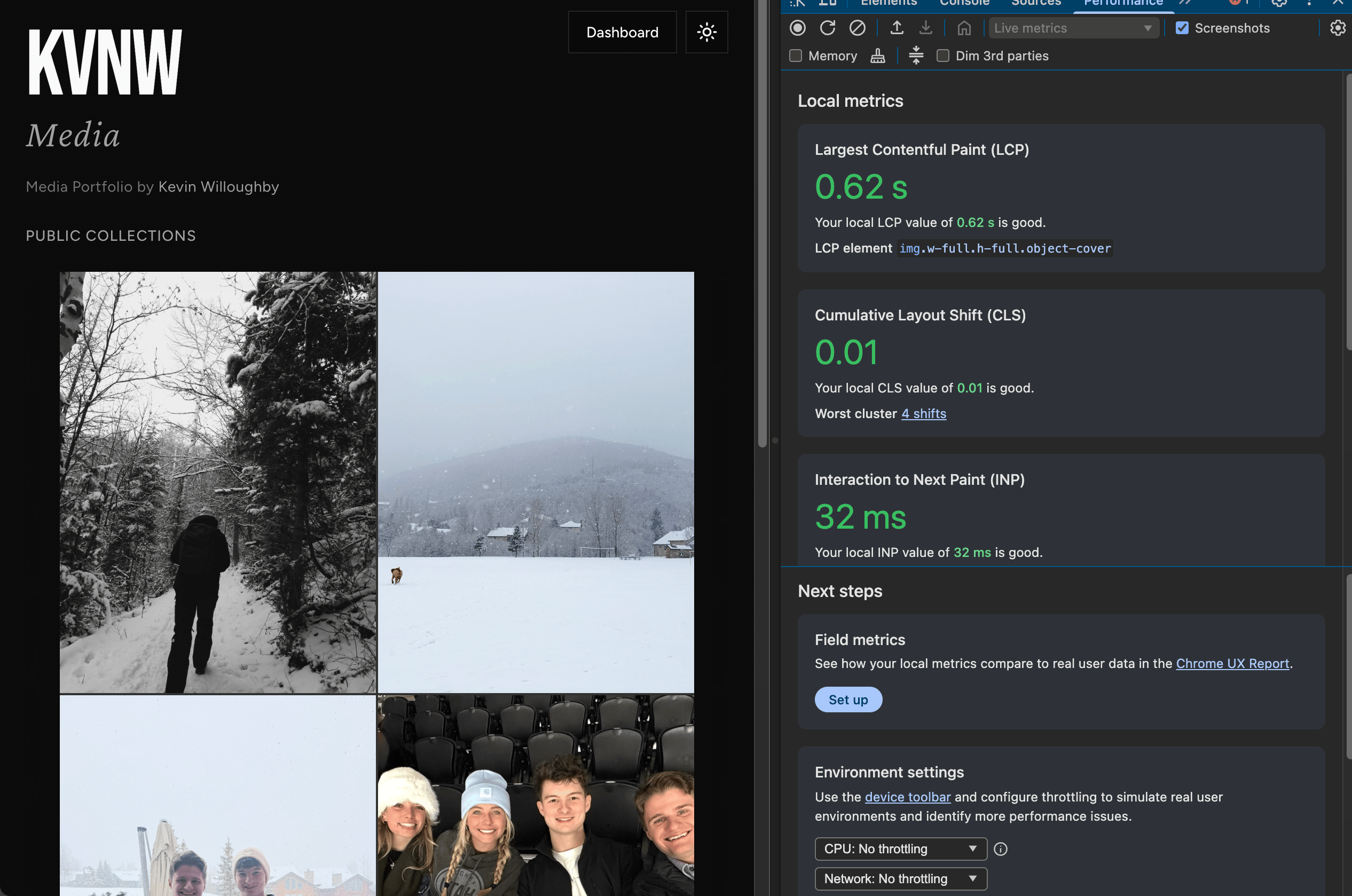
That is why the public side is optimized so aggressively. Collections are prerendered and pushed through heavy KV caching so they open fast and stay lightweight. Cheap storage was never the whole point. I wanted the work to feel immediate when someone actually viewed it.
Part of a larger workflow
I also built it because I wanted something that could plug into my own workflow over time. Screenshots, captured visual artifacts, and other media from projects I am already building should not end up scattered across machines and apps if they could live in one place that already knows how to organize and share them.
So KVNW Media works as both a portfolio and an archive, with room to grow into a publishing layer as the rest of my workflow evolves.